PHP2Shell Explained: Critical PHP Flaws and How to Stay Safe
PHP2Shell exposes critical flaws in the PHP runtime. Learn which versions need patches, what attackers could do, and how to secure your website.
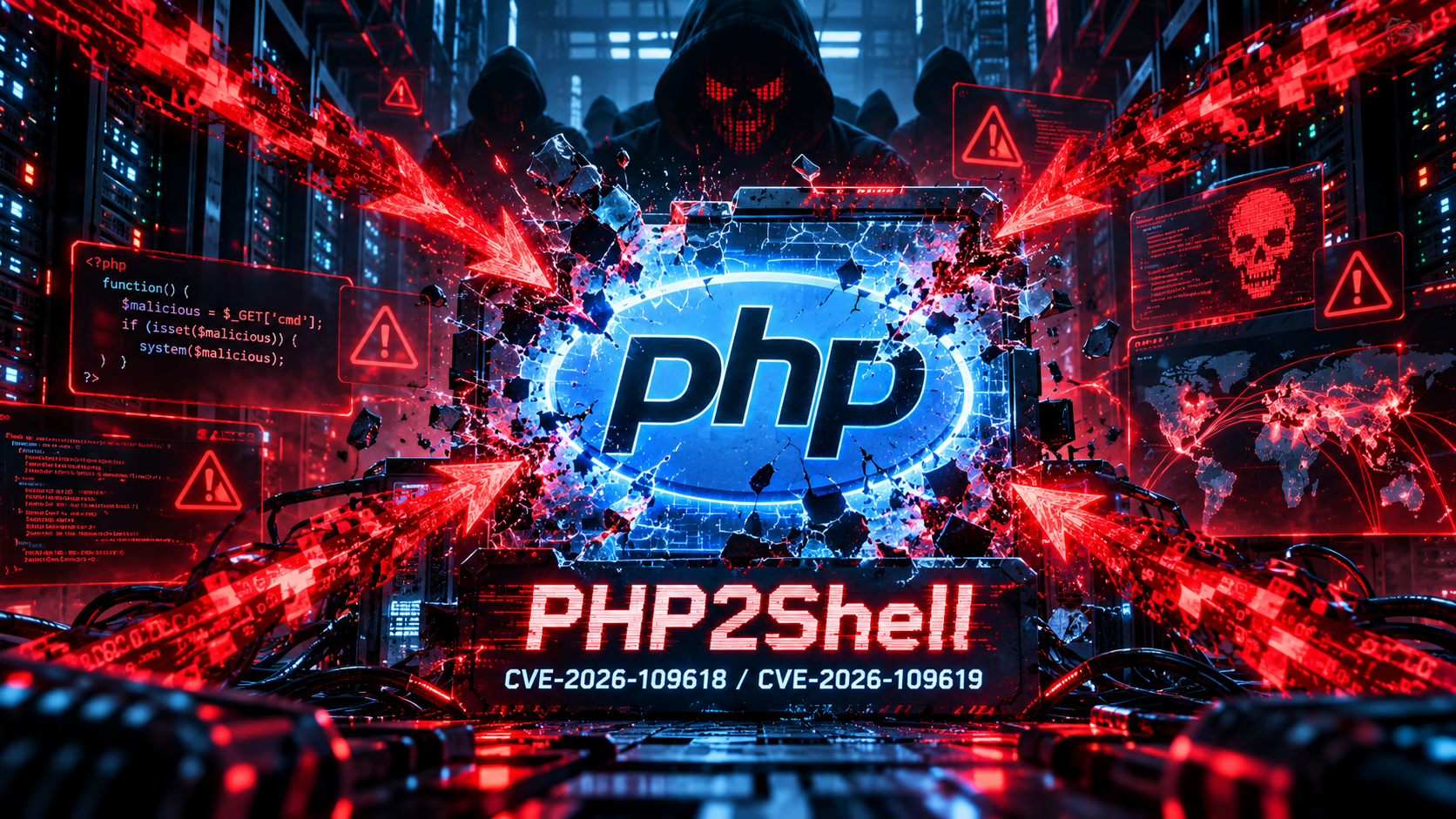
A security flaw in a plugin is serious. A security flaw in the language runtime beneath many websites is another matter entirely.
On October 21, 2026, the PHP project released emergency fixes for two critical vulnerabilities collectively called PHP2Shell. Researchers showed that affected PHP installations can, under certain conditions, be attacked through web requests without the attacker first signing in. The consequences can include remote code execution, meaning unauthorized commands running on a server.
If you own a PHP-powered website, manage hosting, or maintain a WordPress or Laravel installation, the immediate question is not whether your site looks normal. It is whether the PHP runtime serving your site has been patched.
PHP2Shell at a glance
| Question | Answer |
|---|---|
| What is PHP2Shell? | A name for two critical vulnerabilities in PHP’s core request-handling and memory-management behavior. |
| Which vulnerabilities? | CVE-2026-109618 and CVE-2026-109619. |
| How severe? | Both were assigned a 9.2 CVSS v4.0 score in the PHP security announcement. |
| What could happen? | In vulnerable configurations, an unauthenticated attacker may achieve remote code execution or expose sensitive process memory. |
| When were fixes released? | October 21, 2026. |
| Best next action? | Identify the PHP version used by your live web server and install the appropriate patched release. |
The official PHP security advisory (opens in a new tab) is the primary source for patch guidance. The Wiz Research analysis (opens in a new tab) offers more technical context.
What happened in the PHP2Shell incident?
The PHP team issued advance notice on October 20 that critical updates were imminent. On October 21, it published its full advisory and fixed releases for the supported PHP 8.2, 8.3, 8.4 and 8.5 branches. Security researchers and vendors also reported exploitation activity, making this an operational incident rather than an issue website teams could comfortably postpone.
The two flaws involve different ways PHP can mishandle memory or internal state while processing requests. They matter because the affected behavior sits below the application layer. Depending on the deployment and exploit path, a vulnerable site may not be protected simply because its own application code is carefully written.
This does not mean every PHP site has been hacked. Exposure, exploitation, and confirmed compromise are three different things. The responsible response is to establish which runtime is in use, apply patches, and investigate any suspicious activity.
Which PHP versions have the PHP2Shell fixes?
The PHP project released security updates on October 21, 2026, for all four supported stable branches. PHP 8.5 is the newest stable major branch as of this article’s publication, but sites do not have to move to 8.5 solely to apply this fix if they can install an appropriately patched, supported release on their current branch.
| PHP branch | First upstream release fixing PHP2Shell | Support status on October 23, 2026 |
|---|---|---|
| PHP 8.5 | 8.5.12 | Active support |
| PHP 8.4 | 8.4.27 | Active support |
| PHP 8.3 | 8.3.36 | Security support |
| PHP 8.2 | 8.2.35 | Security support; ends December 31, 2026 |
| PHP 8.1 and older | No regular upstream security release | End of life; upgrade or obtain verified vendor fixes |
These are the minimum fixed upstream releases for the respective branches, not a claim that every newer build or vendor package is identical. A supported distribution may supply the same fix through a security backport. Confirm the actual patch status with the package or hosting vendor.
PHP 8.1 reached end of life on December 31, 2025. While the PHP project no longer publishes normal security releases for PHP 8.1 and older, its security team provided exceptional minimal source backports for PHP 7.4, 8.0 and 8.1 for this incident. Those source patches do not restore ongoing upstream support. The safest long-term plan remains migration to a supported branch. See the official PHP security advisory (opens in a new tab), supported versions (opens in a new tab), and unsupported branches (opens in a new tab) for details.
Remember that your hosting dashboard, SSH command line, and actual public-facing website can sometimes run different PHP installations. Check the version handling web requests, not only the result from an unrelated command-line binary.
Does PHP2Shell affect WordPress, Laravel, or other PHP websites?
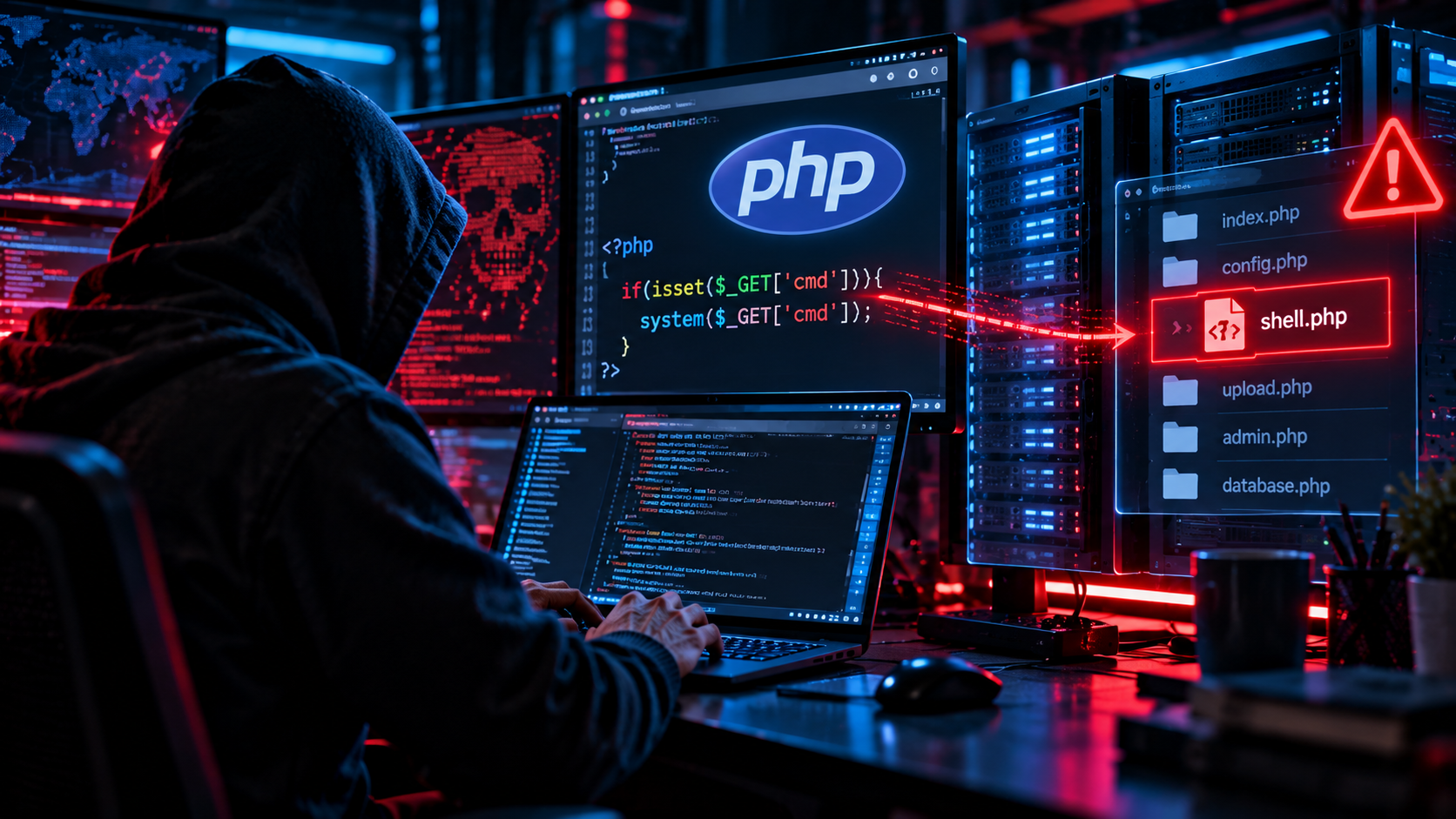
Potentially, yes. The key distinction is that PHP2Shell is a runtime issue, not a WordPress or Laravel plugin bug.
For example, imagine a small online shop running the latest WordPress version and regularly updated plugins. If its web server still uses an affected PHP runtime, the underlying runtime may remain vulnerable. Updating WordPress alone does not patch PHP.
The same principle applies to Laravel, Symfony, Drupal, Joomla, custom CMS platforms, and other applications executed by PHP. Actual exploitability depends on the PHP version, server integration, deployment configuration, and other environmental conditions.
If you use a managed hosting provider, ask whether its PHP builds include the security fixes. Some providers distribute backported fixes without changing version strings in the same way as upstream PHP. In those cases, request the vendor’s written security advisory or patch confirmation rather than assuming the version display tells the whole story.
How to check whether your website is exposed
Work through these steps in order.
1. Identify the PHP runtime serving the public website
Look in your hosting dashboard, PHP-FPM pool configuration, container image, server package inventory, or managed hosting documentation. If you have terminal access, php -v can help identify a command-line version, but do not assume it is the same runtime serving the website.
Avoid creating a public phpinfo() page just to inspect the configuration. Such pages can disclose internal server details. If you must use one during authorized maintenance, restrict access and remove it immediately afterward.
2. Compare it with the patched versions
Compare the installed web-serving PHP branch against the fixed-version table above and check whether your vendor has supplied equivalent security backports. If there is any doubt, ask the administrator or hosting provider for the precise runtime build and security status.
3. Check every deployment environment
Production may not be your only exposure. Review public staging systems, older client sites, forgotten subdomains, legacy control panels, background services receiving HTTP requests, and containers with pinned base images.
4. Check for signs of compromise
Look for unexplained file changes, suspicious new users, unexpected processes or scheduled tasks, unusual outbound connections, and abnormal web or PHP error logs. Some malicious behavior can be subtle, so an absence of obvious warnings does not prove a server is clean.
What should website owners and developers do now?
Patch first, then validate and investigate. That is a more reliable strategy than hoping a firewall or application update will make the issue disappear.
- Back up critical data and configuration. Use a backup method suitable for your environment, and confirm recovery procedures. Preserve forensic evidence separately if you suspect an intrusion.
- Install a fixed PHP runtime. Use the official project releases or supported vendor security packages for your deployment.
- Restart or replace affected PHP processes. Ensure the live service is actually running the new build. In container deployments, rebuild images and replace old containers rather than relying on a package change in an unused image.
- Test application compatibility. Check key journeys such as sign-in, checkout, forms, uploads, API requests, and scheduled tasks. Do not use compatibility concerns as a reason to leave a publicly exposed vulnerable service running indefinitely.
- Review server and application logs. Examine the period before and after patching for unusual activity, and follow an incident-response process if you find credible indicators.
- Confirm externally that service is healthy. Monitor application errors, performance, and uptime, then document the deployed PHP build and patch date.
- Plan longer-term upgrades. Move unsupported PHP branches to a supported release, keep dependencies maintained, and establish a routine patch process.
A practical example: a small business website
Suppose a business runs a booking website on WordPress and discovers its hosting plan uses an older PHP 8.4 build.
The owner should contact the hosting provider or administrator, confirm whether the installed build includes the PHP2Shell fixes, and arrange an upgrade to PHP 8.4.27 or a later patched 8.4 release, or another appropriate supported branch. After the update, the team should verify that bookings, emails, payments, and administrative functions still work, then review logs for suspicious behavior.
Updating plugins is still good maintenance, but it does not replace the PHP runtime fix. If the site shows signs of compromise, the response must expand beyond patching to investigation and recovery.
October 23 update: a separate session upload progress advisory
On October 23, the PHP project published an informational advisory about session upload progress (opens in a new tab). It described a further, unusual configuration-dependent potential remote code execution path, tracked as CVE-2026-115560, for which a full advisory was planned with the next regular release. This is not a third PHP2Shell CVE and should not be confused with the two October 21 vulnerabilities.
The affected setup requires an application to configure session.serialize_handler as php_binary or php_serialize, change it to php at runtime before session_start(), and leave session upload progress enabled. For that particular scenario, the PHP team advised setting session.upload_progress.enabled=0 until the next release. Administrators should consult the official advisory and assess their own configuration rather than assuming all PHP sites have this additional exposure.
What to do if you cannot patch PHP right now
A temporary mitigation is not a patch. The PHP project’s October 21 security advisory (opens in a new tab) explicitly says that only an update is a complete solution. If an immediate upgrade is blocked by application compatibility, a vendor dependency, or an operational constraint, treat the system as exposed and establish the earliest possible maintenance or migration plan.
First, reduce who can reach the affected service
For an internal dashboard or administrative service, consider restricting access through an approved VPN, private network, or tightly controlled allowlist. If a vulnerable public-facing service cannot be secured in time, temporarily disabling it may be safer than leaving it publicly reachable. Work with your hosting provider or incident-response team to assess the operational impact. These access controls reduce opportunities for attack but do not fix the underlying PHP runtime.
Apply only the temporary controls recommended for your environment
The PHP security team describes different risk-reduction measures for the two CVEs. These are administrator-level changes and require careful validation:
| Temporary control | What it may reduce | Important limitation |
|---|---|---|
Set session.upload_progress.enabled=0 in PHP configuration and restart all affected workers | Confirmed session-related paths associated with CVE-2026-109619 | It does not cover every variant; do not rely on a runtime ini_set() or FPM .user.ini change for this purpose. |
On PHP 8.5, set fatal_error_backtraces=0 and restart all workers | The confirmed fatal-backtrace path associated with CVE-2026-109619 | This applies to that specific path, not the full vulnerability. |
Review post_max_size, upload_max_filesize, and reverse-proxy request limits | Some request and memory-pressure paths associated with CVE-2026-109618 | Ensure limits account for multipart requests and requests lacking a usable Content-Length; ordinary size limits alone are not a fix. |
Consider an administrator-enforced memory_limit=-1 only after a resource-isolation review | A controllable PHP memory-limit failure relevant to CVE-2026-109618 | Underlying allocation failure can still trigger the vulnerable path. Removing PHP’s memory limit can increase denial-of-service or resource-exhaustion risk if no suitable process/container limits exist. |
The official advisory (opens in a new tab) includes additional instructions for process isolation, configuration warnings, timeouts, and request handling. For example, it recommends container or cgroup limits designed to contain failures to an affected worker and warns against substituting certain address-space limits that can themselves produce vulnerable allocation failures. Follow those platform-specific details with an experienced administrator rather than copying settings into production without testing.
Ask your provider about verified backported fixes
If your environment cannot immediately move to a newer upstream PHP release, ask whether your operating-system or long-term-support vendor has shipped a verified security backport. The PHP team supplied exceptional minimal source backports for several unsupported branches, but these do not restore normal support or guarantee that a particular hosting package is patched. Request a vendor advisory identifying the relevant CVEs and the exact package build. A validated security backport is different from leaving the original vulnerable binary unchanged.
Confirm deployment and keep an incident-response record
After configuration changes, verify that every live PHP worker or container uses the intended settings. Record which public services remain exposed, who approved any temporary risk acceptance, when logs were reviewed, and when the permanent patch or migration will be installed. Watch for suspicious requests, worker crashes, unexpected files, or authentication changes. If compromise is suspected, preserve evidence and follow an incident-response process.
Bottom line: temporary controls can help reduce risk during an unavoidable delay, but they should never be described as a PHP2Shell fix. Prioritize a patched runtime or vendor-confirmed equivalent, then remove temporary exceptions only after reassessing the deployment.
Can a firewall or plugin protect an unpatched PHP server?
A web application firewall, request filtering, traffic restrictions, and other defensive controls may reduce some attack opportunities. But the PHP security announcement explicitly warns that there is no complete mitigation for these vulnerabilities. A firewall or WordPress security plugin is therefore not a substitute for installing a patched PHP runtime.
If you cannot patch immediately, contact the service owner or host about reducing exposure, restricting access, or temporarily taking the vulnerable service offline while an update is prepared. These are temporary risk-reduction measures, not confirmed fixes.
Does this mean PHP is unsafe to use?
No. A serious vulnerability does not make every application built in a language inherently unsafe. Widely used software occasionally needs urgent security updates, including operating systems, browsers, databases, and runtimes.
PHP2Shell does illustrate something important: web application security depends on the entire stack. Secure application code cannot compensate for every flaw in the interpreter, web server, operating system, or infrastructure it relies on.
For developers and businesses, the durable lesson is to keep an inventory of dependencies, understand who owns patching, and practice upgrades before emergencies occur.
PHP2Shell frequently asked questions
Is PHP2Shell a WordPress vulnerability?
No. It is a PHP runtime vulnerability. WordPress websites may be affected when hosted on vulnerable PHP installations, even if WordPress itself is up to date.
Can attackers exploit PHP2Shell without logging in?
The PHP project’s advisory describes unauthenticated remote code execution risks. Whether a specific installation can be exploited depends on its runtime version, server configuration, and exploit path.
Will updating PHP fix an already hacked website?
Patching closes the known vulnerability in the runtime, but it does not automatically remove malicious files, unauthorized accounts, or other changes made during a previous compromise. An affected website needs investigation and recovery as well as patching.
Is PHP 8.2 safe after installing 8.2.35?
PHP 8.2.35 contains the fixes for these two vulnerabilities. However, PHP 8.2 is approaching its scheduled end of security support on December 31, 2026, so administrators should plan a migration to a newer supported branch.
How can I verify my hosting company has patched PHP?
Ask for the exact PHP branch and installed security build, including any vendor backports. Also ask whether PHP workers or containers were restarted or redeployed and whether your public site is now using the patched runtime.
The bottom line
PHP2Shell is a timely reminder that a website can look perfectly normal while its server-side runtime needs an urgent security update. The fix is not a redesign, a new plugin, or a clever code snippet. It begins with identifying the software actually processing requests and bringing it onto a patched, supported build.
If your website uses PHP, verify the runtime today. Then keep a regular patching process so the next critical advisory does not catch your team without a plan.
References and further reading
- PHP Project: October 21, 2026 critical security advisory (opens in a new tab)
- PHP Project: October 23, 2026 session upload progress advisory (opens in a new tab)
- PHP 8.5.12 security release announcement (opens in a new tab)
- PHP 8.4.27 security release announcement (opens in a new tab)
- PHP supported versions (opens in a new tab)
- PHP unsupported branches (opens in a new tab)
- Wiz Research: PHP2Shell technical overview (opens in a new tab)
- NHS England Digital: PHP2Shell cyber alert (opens in a new tab)
Keep exploring

Join the conversation
Keep comments respectful and relevant. Please don't share private or sensitive information.
Discussion (0)
Join the conversation