Website Development Process: 9 Steps From Idea to Launch
Learn the nine stages of website development, from planning and design to coding, testing, launch, and maintenance, with an easy real-world example.

You have an idea for a website. You open your code editor, create a project folder, and then stop. Should you start with HTML? Sketch the homepage? Choose React? Buy a domain?
If that sounds familiar, you are asking the right question: what should happen before you start coding a website?
The first step is to define the website’s purpose, audience, and goals. Once you know what you are building and for whom, you can choose the pages, features, design, and technologies that make sense. Starting with the technology is tempting, but it can leave you building features nobody needs.
This guide explains the full website development process through one simple example: a small bakery that wants customers to browse cakes and send inquiries. You can apply the same thinking to a portfolio, blog, business website, or larger web application.
What Are the Main Stages of Website Development?
A practical website development process has nine stages:
- Define the purpose: Identify the audience, problem, and goals.
- Gather requirements: Decide what the website must do and what can wait.
- Plan the structure: Organize pages, content, navigation, and user journeys.
- Design the experience: Create wireframes, layouts, and visual styles.
- Choose the technology: Select the simplest suitable tools and architecture.
- Build the website: Develop the pages, components, and functionality.
- Test and improve: Check usability, accessibility, performance, and security.
- Deploy and launch: Publish the website and verify that it works in production.
- Maintain the website: Update, monitor, fix, and improve it over time.
These stages are a roadmap, not nine isolated boxes. You might test an early prototype during design, refine requirements after feedback, or revisit a wireframe while developing. For beginners, however, this order provides a useful starting point.
The MDN guide to planning a first website (opens in a new tab) also begins with understanding what the website should communicate and how it should look before writing code.
Stage 1: Define the Website’s Purpose and Goals
Before opening a design tool or choosing a framework, answer five questions:
- Why does this website need to exist? What problem does it solve?
- Who will visit it? What do those people need?
- What should visitors do? Read information, contact you, purchase something, or complete a task?
- What content will they need? Product details, instructions, photographs, prices, or contact information?
- How will you know it is useful? For example, can visitors find the information they need and successfully submit an inquiry?
Suppose a neighborhood bakery asks you to build a website. “Make us a modern website” sounds like a brief, but it is not specific enough to build from.
A clearer goal would be:
Help customers explore available cakes, understand ordering options, and send a cake inquiry from their phone.
Now you have a purpose. It tells you that clear product photography, mobile navigation, and a working inquiry method matter more than complicated animations.
Make a one-page website project brief
You do not need a lengthy business document. Start with something like this:
| Question | Example answer |
|---|---|
| Who is this for? | Local customers ordering cakes |
| Main goal | Make products easy to discover and inquiries easy to send |
| Primary action | Send a cake inquiry |
| Essential content | Cake photos, descriptions, ordering guidance, contact details |
| Main constraint | Small initial budget and easy future updates |
Your first action today: Write your own version of this table before selecting any tools.
Stage 2: Gather Requirements and Define the Scope
A requirement describes something your website must do or a quality it needs to meet. Gathering requirements helps prevent surprises halfway through development.
Functional requirements: what must the website do?
For the bakery, possible functional requirements include:
- Show available cakes with photographs and descriptions.
- Let customers browse on a phone.
- Provide a contact or inquiry form.
- Display opening hours and ordering instructions.
Non-functional requirements: how well must it work?
These describe qualities such as accessibility, performance, security, and reliability. For example, the site should remain usable on narrow screens, provide clear form errors, and protect submitted customer information.
Not every requested feature belongs in the first version. A customer account system, online card payments, delivery tracking, and loyalty points would add substantial complexity to our simple bakery project.
Decide what belongs in version one
Use three labels:
- Must have: Without it, the website cannot meet its main goal.
- Should have: Valuable but not essential for the first launch.
- Could have: An enhancement for later.
For our bakery, product pages and an inquiry method might be must-haves. Customer reviews might be a should-have if genuine reviews and permission to publish them are available. A loyalty dashboard could be a future enhancement.
This limited first version is often called a minimum viable product (MVP). The point is not to publish something careless. It is to build a small, useful version that meets real needs before investing in extras.
Also record who supplies the text and photographs, who will approve the design, and who will maintain the content. Unclear ownership can delay an otherwise straightforward project.
Stage 3: Plan the Website Structure and User Journey
Now you know what the website needs. The next question is where everything belongs.
A sitemap, in this planning context, is a simple outline of the website’s pages and their relationships. It is different from the XML sitemap that search engines may use later.
Our bakery might start with this structure:
Bakery Website
├── Home
├── Cakes
│   └── Individual Cake Details (if needed)
├── About
└── Contact / Order Inquiry
That structure might be enough. More pages do not automatically make a website better.
Plan how a real visitor will use it
Imagine someone searching for a birthday cake on their phone:
- They arrive on the homepage or a cake page.
- They browse available options.
- They check sizes, ordering information, and availability guidance.
- They select the inquiry option.
- They send the required details and receive clear confirmation.
This sequence is a user journey. It exposes practical design questions before you write code. Is the inquiry button visible? Do customers know what information to provide? What happens if the form fails?
Prepare the key page copy at this stage too. Good navigation labels and useful content are easier to plan together than after the design is finished.
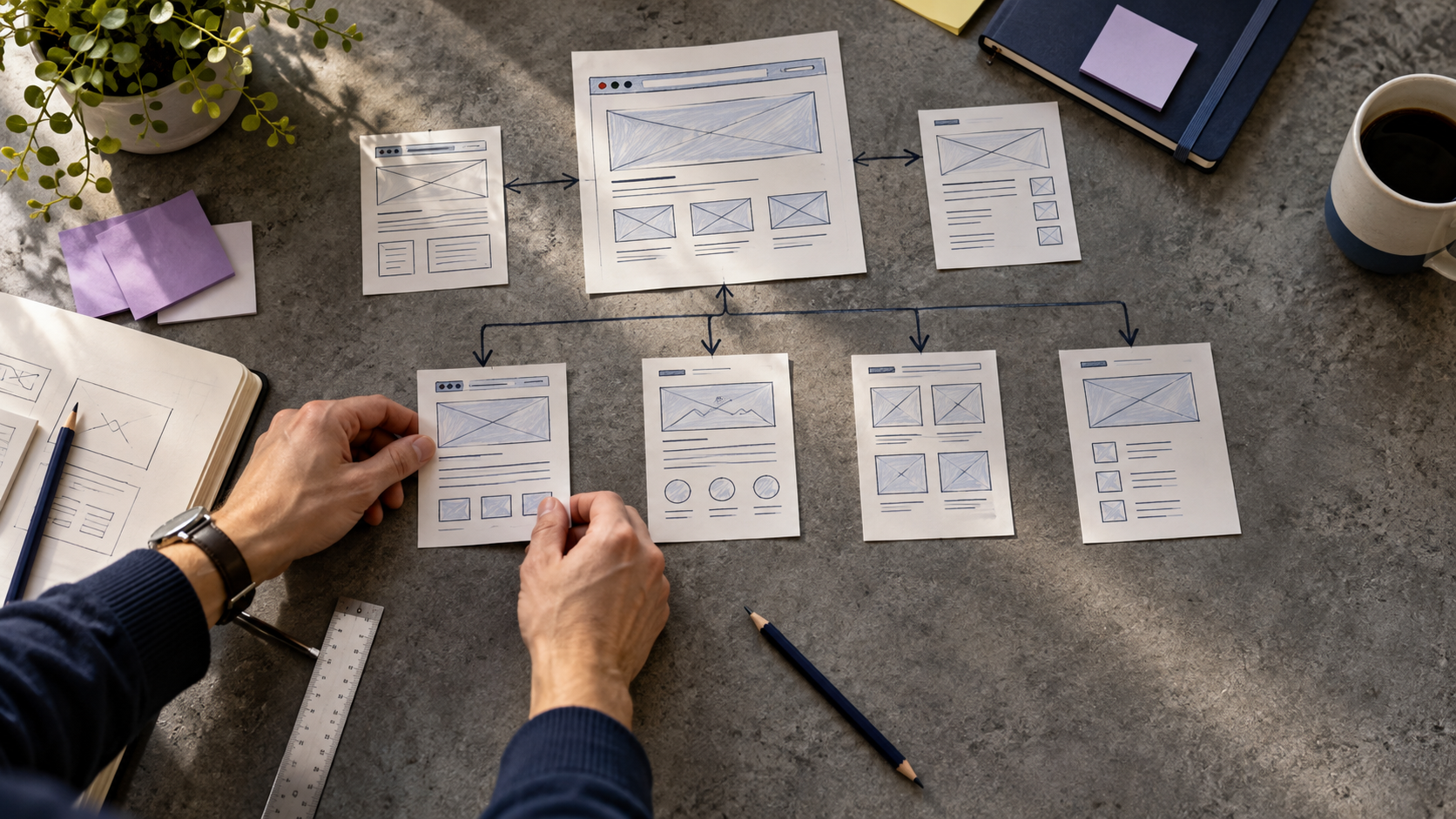
Stage 4: Create Wireframes and Design the User Interface
A website design should support the visitor’s task, not simply look impressive in a screenshot.
Start with a wireframe: a rough representation of where headings, images, navigation, buttons, and other content will go. It can be drawn on paper or created digitally.
A wireframe is not the same as a polished mockup or an interactive prototype:
| Design artifact | What it helps you decide |
|---|---|
| Wireframe | What goes where? |
| Visual mockup | How will the interface look? |
| Interactive prototype | How will someone move through it? |
For our bakery homepage, the most important parts might be a clear introduction, a selection of popular cakes, ordering instructions, and a prominent inquiry action.
Design for different people and devices
Check the layout at mobile and desktop widths. Use readable text, sufficient contrast, understandable labels, keyboard-friendly interactions, and meaningful alternatives for informative images.
Accessibility is not a decorative feature or something to leave until launch. The W3C Web Accessibility Initiative (opens in a new tab) explains why accessibility work belongs throughout planning, design, development, and maintenance.
Tools such as Figma can help you design and share prototypes, but pencil-and-paper wireframes are perfectly reasonable for an early draft.
Before moving on, ask someone unfamiliar with the project to look at your design and explain how they would send an inquiry. Their confusion may reveal an issue you no longer notice.
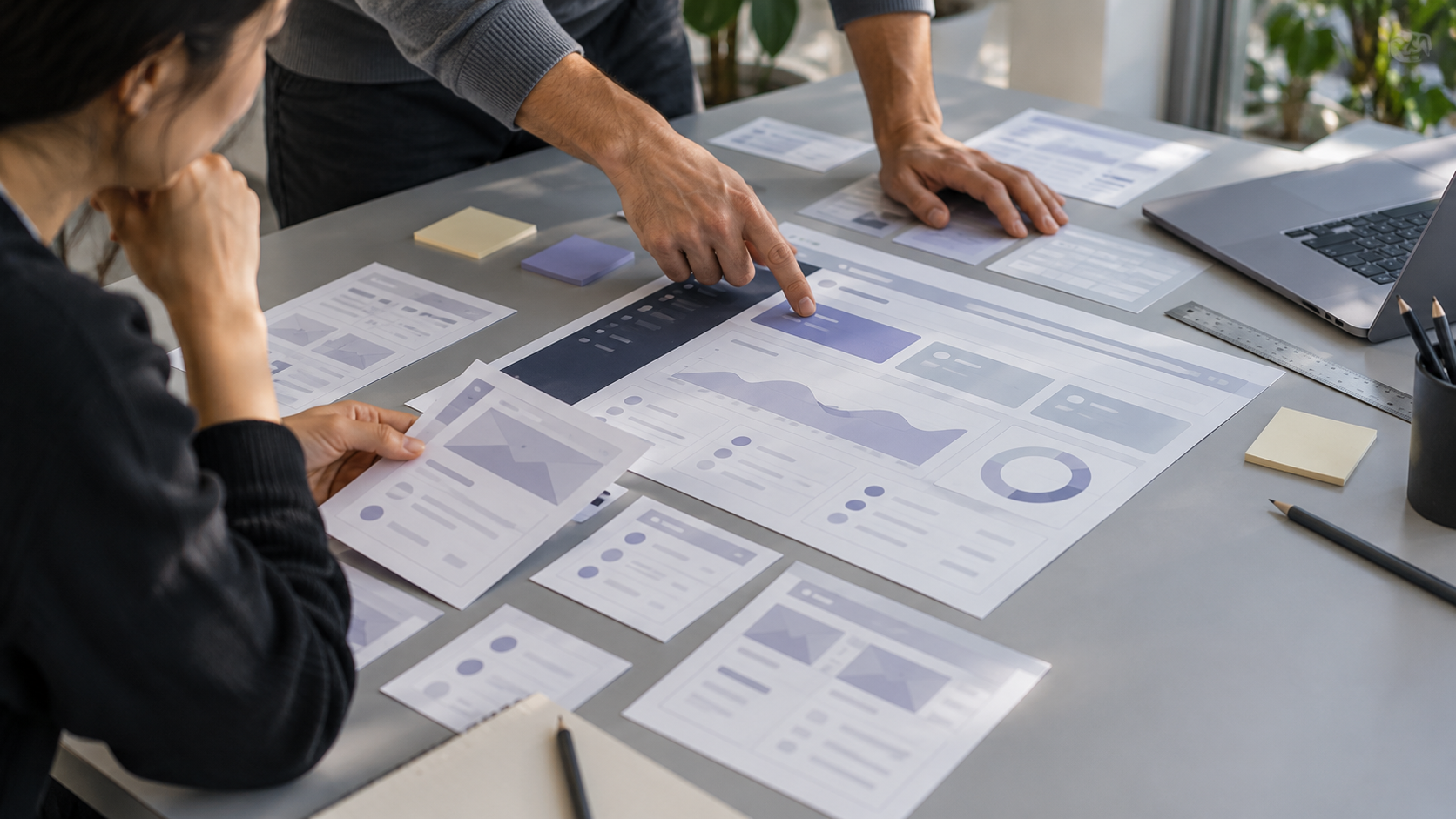
Stage 5: Choose the Right Technology Stack
Only after understanding the requirements should you decide what to build with.
A technology stack is the set of tools and technologies used to create and run a website. There is no single best stack for every project.
Understand the basic building blocks
- HTML structures webpage content.
- CSS controls presentation and layout.
- JavaScript can add interaction in the browser.
- Backend services handle server-side operations when needed.
- Databases store data when the project requires persistent, structured information.
MDN’s first website learning path (opens in a new tab) introduces HTML, CSS, JavaScript, and publishing in a beginner-friendly sequence.
Match the approach to the actual project
| Website need | An approach worth considering |
|---|---|
| Small informational site | Basic HTML, CSS, and JavaScript |
| Frequently updated content site | A CMS or static site generator |
| Standard online shop | An established e-commerce platform |
| Custom application with complex workflows | A suitable frontend, backend, database, and APIs |
Frameworks such as React and Astro may be helpful in the right context, but neither is automatically necessary. A simple bakery website can be an excellent fit for a lightweight, mostly static approach.
Does every website need a backend and database? No. Static pages can work without a custom backend. If the bakery uses a form service, that service may handle submissions without requiring you to operate your own application server. Evaluate privacy, pricing, limits, and reliability before adopting any third-party service.
Choose technologies based on requirements, maintainability, your team’s skills, and the hosting environment. Avoid adding a complicated architecture just because it appears in popular tutorials.
Stage 6: Develop the Website
You finally have enough direction to start building with confidence.
For a small custom website, a practical sequence is:
- Set up the project. Create a clear directory structure, configure the development environment, and initialize Git version control.
- Build the shared foundation. Create the header, footer, navigation, typography, and page layouts.
- Implement the main pages. Add real headings, product descriptions, photographs, and links rather than relying on placeholder content for too long.
- Make the layout responsive. Confirm that the site works across a range of screen sizes.
- Add required functionality. Implement the inquiry form, including input validation, clear status messages, and a working submission destination.
- Review small pieces frequently. Check each feature as you complete it instead of postponing all testing.
For the bakery, an early milestone could be: “A visitor can open the cake catalog and send a test inquiry successfully.”
That milestone is more useful than “We installed a framework” because it describes working behavior.
Pay attention to content and security while developing
Give pages clear titles, useful headings, descriptive links, and appropriate image text alternatives. Avoid copying photographs or text without the necessary rights or permissions.
If the site handles personal data, minimize what is collected, restrict access, and use appropriate protections for the implementation. Never place private API keys or other secrets in publicly delivered frontend code.
Where a custom backend is involved, use maintained dependencies and review established security guidance such as the OWASP Top 10 (opens in a new tab). Security decisions depend on the actual application, so no short checklist replaces a proper review.
Stage 7: Test the Website Before Launch
A website that looks finished may still have broken links, inaccessible controls, slow pages, or a form that never delivers messages.
Testing should start during development and continue before release. Here is a practical launch-readiness table:
| Area | What to check |
|---|---|
| Functionality | Do links, navigation, buttons, and forms work? |
| Mobile usability | Can visitors read and use each page on smaller screens? |
| Browser compatibility | Does the site behave acceptably in major browsers? |
| Accessibility | Can people navigate with a keyboard and understand labels and errors? |
| Performance | Are images appropriately sized and pages reasonably responsive? |
| Content accuracy | Are contact details, product descriptions, and policies correct? |
| Security and privacy | Are data handling, permissions, dependencies, and exposed secrets reviewed? |
| Error handling | What happens when a form is empty or a network request fails? |
For the bakery, submit an inquiry yourself using a test address. Verify it reaches the intended destination and that the person submitting sees an accurate confirmation. A success message that appears even when delivery fails is not a successful test.
Automated tools can identify useful issues, but they cannot replace manual interaction and appropriate human accessibility checks. Use the W3C accessibility resources (opens in a new tab) and web.dev learning materials (opens in a new tab) to investigate specific problems.
Invite at least one person who did not build the website to perform a realistic task. Watch where they hesitate, and improve the experience before publishing.
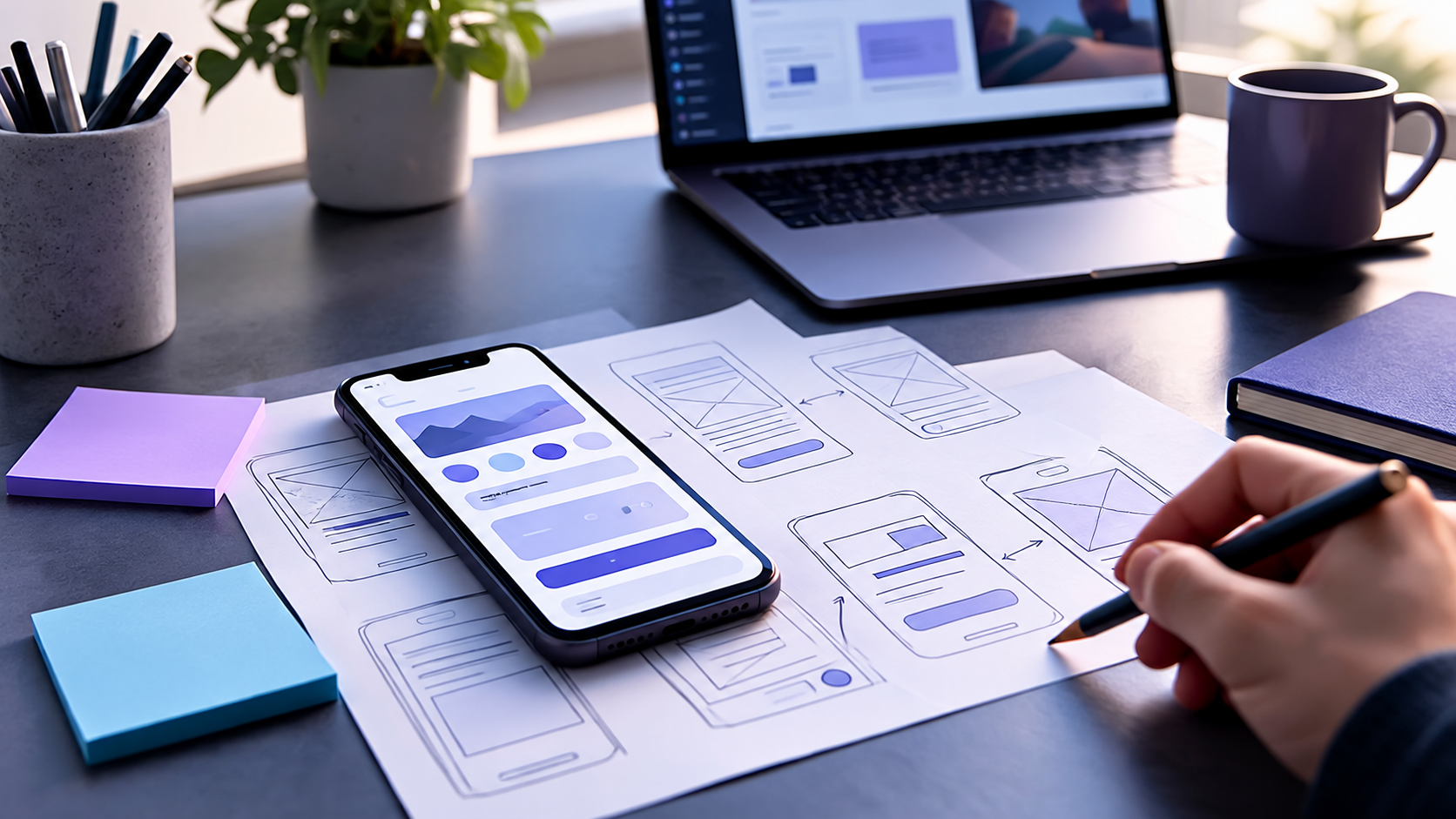
Stage 8: Deploy and Launch the Website
Deployment means making the website available in its intended environment, usually on the public internet. A domain name is the address people use to reach it, while hosting provides the infrastructure serving the site.
The exact publishing steps vary by platform. MDN’s publishing guide (opens in a new tab) outlines the basic concepts for beginners.
Before announcing the launch
- Confirm that the domain resolves to the intended website and HTTPS works.
- Check production configuration and ensure no private credentials were exposed.
- Test navigation and forms on the live site, not only on your local computer.
- Verify page titles, descriptions, headings, and important images.
- Confirm that public pages can be accessed and that pages meant to remain private are protected.
- Review privacy disclosures and other applicable legal or business requirements.
- Arrange backups and recovery steps where the site architecture requires them.
- Make sure someone is responsible for monitoring the site after launch.
For sites that should appear in search results, an XML sitemap may help search engines discover relevant URLs. It is separate from the visitor-facing sitemap you planned earlier, and it does not guarantee indexing. See Google Search Central’s sitemap documentation (opens in a new tab).
A deployment pipeline, sometimes called CI/CD, can automate checks and publishing. It is useful for ongoing work, but you do not need a complex pipeline to understand the fundamental launch process.
Stage 9: Maintain and Improve the Website
A launch is a beginning, not the end of development.
Over time, the bakery may change its products, opening hours, prices, or ordering process. A good website must be maintained so that visitors can still rely on it.
A basic maintenance routine includes:
- Updating content when information changes.
- Reviewing site availability, errors, and form delivery.
- Keeping supported software and dependencies updated.
- Checking for broken links and outdated information.
- Monitoring performance and user experience.
- Reviewing security and privacy practices.
- Testing backups and recovery procedures when relevant.
- Prioritizing improvements based on real customer feedback.
Be realistic about maintenance responsibilities. A fully managed website builder and a custom application require different kinds of ongoing work, but neither is completely free of maintenance needs.
A Complete Example: A Bakery Website From Idea to Launch
Here is how the nine stages come together for one small project:
| Stage | What the bakery team produces |
|---|---|
| 1. Purpose | A clear goal: help customers browse cakes and inquire |
| 2. Requirements | Product browsing, inquiry form, responsive layout |
| 3. Structure | Home, Cakes, About, and Contact pages |
| 4. Design | Mobile wireframes and a consistent visual direction |
| 5. Technology | A lightweight approach suited to an informational site |
| 6. Development | Working pages, navigation, images, and inquiries |
| 7. Testing | Verified forms, device layouts, accessibility, and errors |
| 8. Launch | Public domain, HTTPS, and production checks |
| 9. Maintenance | Updated product information, fixes, and monitoring |
Notice what is missing: unnecessary features added solely because they sound advanced. The bakery’s actual goal drives the work.
You can reuse this model for a photography portfolio, a consultant’s website, a school information site, or a more involved product. Larger projects will require more detailed requirements, architecture, testing, and coordination, but the underlying questions remain useful.
Common Website Development Mistakes Beginners Can Avoid
Starting with a framework instead of a goal
Why it causes problems: You may spend time configuring tools before knowing whether they fit the project.
Try this instead: Complete a one-page project brief, then choose technology that supports it.
Designing pages without real content
Why it causes problems: Real descriptions, image sizes, and user tasks may not fit a layout designed only with placeholders.
Try this instead: Prepare representative content early and test the design with it.
Building every requested feature at once
Why it causes problems: Complexity grows before the essentials are usable.
Try this instead: Prioritize must-have features and deliver a focused first version.
Treating mobile and accessibility as final polish
Why it causes problems: Important interactions may need redesign, not small cosmetic fixes.
Try this instead: Consider different screen sizes, keyboard interaction, and readable content from the earliest wireframes.
Assuming the project ends at deployment
Why it causes problems: Content becomes outdated, forms can stop working, and software may need updates.
Try this instead: Assign maintenance ownership and create a realistic review routine before launch.
Website Development Checklist for Beginners
Use this before starting your own project:
Plan
- Describe the website’s purpose in one sentence.
- Identify the audience and its main tasks.
- List required pages and content.
- Separate must-have features from future ideas.
- Record important constraints and responsibilities.
Design and build
- Sketch the sitemap and at least one user journey.
- Make wireframes for key pages.
- Review mobile usability and accessibility needs.
- Select an appropriate technology stack.
- Build and review the essential features.
Test and launch
- Test links, forms, errors, and navigation.
- Review several device sizes and browsers.
- Check performance, accessibility, security, and content.
- Verify the website again after deployment.
- Assign ongoing maintenance responsibility.
You do not have to finish a large website in one attempt. You do need to know what a successful first version should do.
Frequently Asked Questions
What is the first step in website development?
Define the website’s purpose, target audience, and desired outcomes. Before choosing technologies, establish what visitors need to accomplish and which features are essential.
What are the main stages of website development?
A useful nine-stage workflow is planning, requirements, website structure, interface design, technology selection, development, testing, deployment, and maintenance. Real projects often revisit stages as they learn more.
Should I design a website before coding it?
Usually, some design work is helpful before coding. Even a rough sitemap and wireframe can prevent confusion. You can still refine the design while building, especially on small projects.
Does every website need a backend and database?
No. A simple informational website can use static pages. Server-side functionality or a database becomes relevant when the requirements call for it, such as persistent user accounts, complex transactions, or custom data management.
How long does it take to develop a website?
It depends on scope, content readiness, team experience, integrations, reviews, and testing needs. A small informational site is very different from a custom booking or e-commerce application. Estimate the work from clearly defined requirements rather than relying on a universal timeline.
Can beginners build a website without a framework?
Yes. HTML, CSS, and JavaScript are sufficient for many beginner projects. Learning these foundations also makes it easier to understand frameworks later.
What should I check before launching a website?
Check live navigation, forms, mobile usability, content accuracy, HTTPS, accessibility, performance, security configuration, and maintenance ownership. Test the production site, not only a local preview.
Final Thoughts: Start With a Plan, Not With Code
If you remember one thing from this guide, make it this: your first job is not to pick a framework. It is to understand the problem the website should solve.
Take ten minutes today to write down three things: who the website is for, what those people need to do, and the three most important features. That small exercise gives every stage that follows a clearer direction.
When you’re ready to go further, work through the nine stages, build the smallest useful version, test it with real tasks, and improve it over time.
If your project needs professional help with planning, design, or development, explore Glimpz AI (opens in a new tab) and its software and design services. A clear project brief is a great starting point for that conversation too.
References and Further Reading
- MDN Web Docs: What Will Your Website Look Like? (opens in a new tab): planning and early design.
- MDN Web Docs: Your First Website (opens in a new tab): HTML, CSS, JavaScript, and beginner workflows.
- MDN Web Docs: Publishing Your Website (opens in a new tab): domains, hosting, and publishing.
- W3C Web Accessibility Initiative: Planning and Managing Accessibility (opens in a new tab): accessibility across the website lifecycle.
- Google Search Central: Build and Submit a Sitemap (opens in a new tab): XML sitemap guidance.
- OWASP Top 10 (opens in a new tab): common web application security risks.
- web.dev Learn (opens in a new tab): web platform and performance learning materials.
Join the conversation
Keep comments respectful and relevant. Please don't share private or sensitive information.
Discussion (0)
Join the conversation